1 / 13
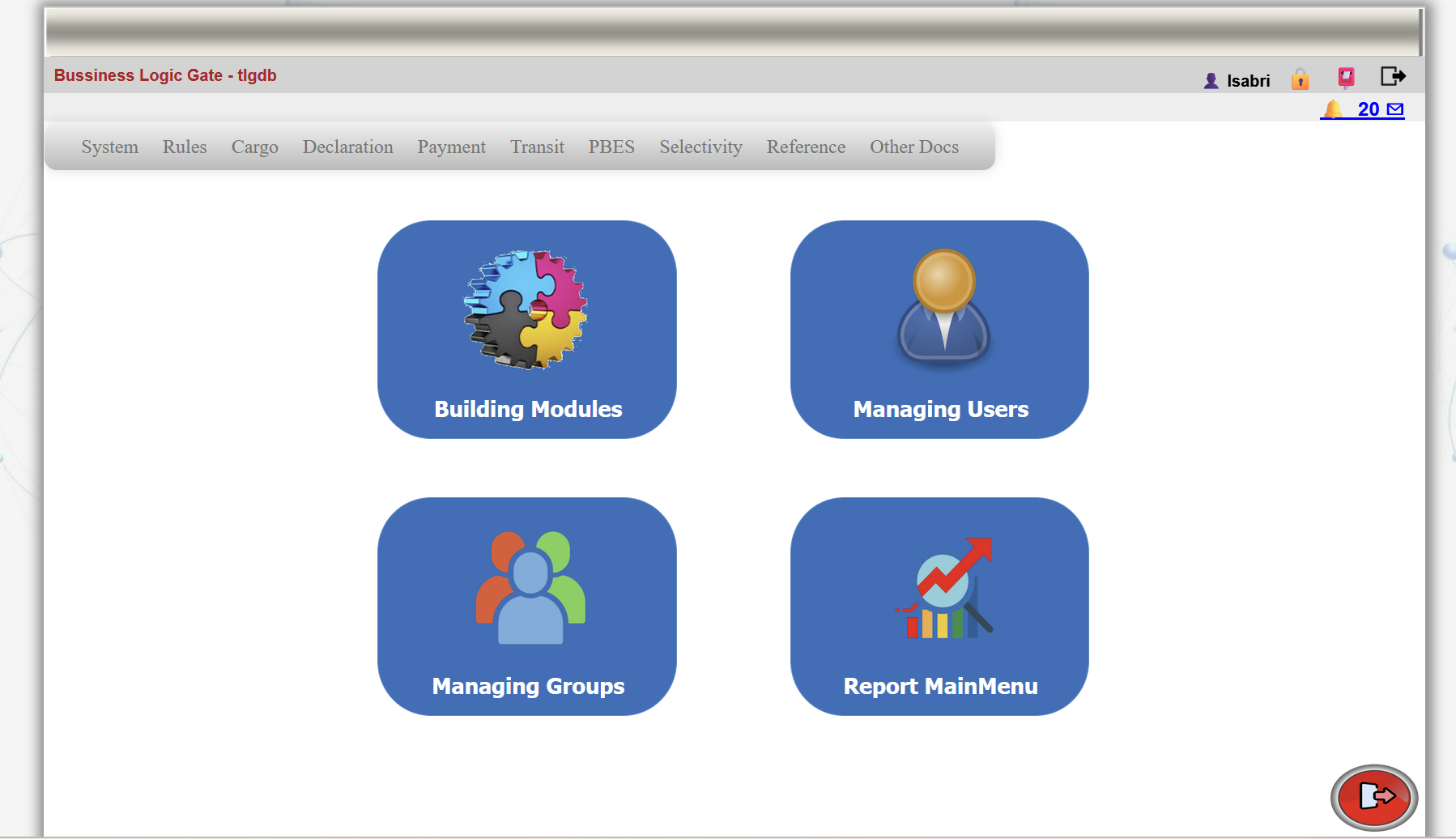
1: eBusinessGate offers creating modules, managing users,groups and teams. and accessing different sets of reports.
2 / 13
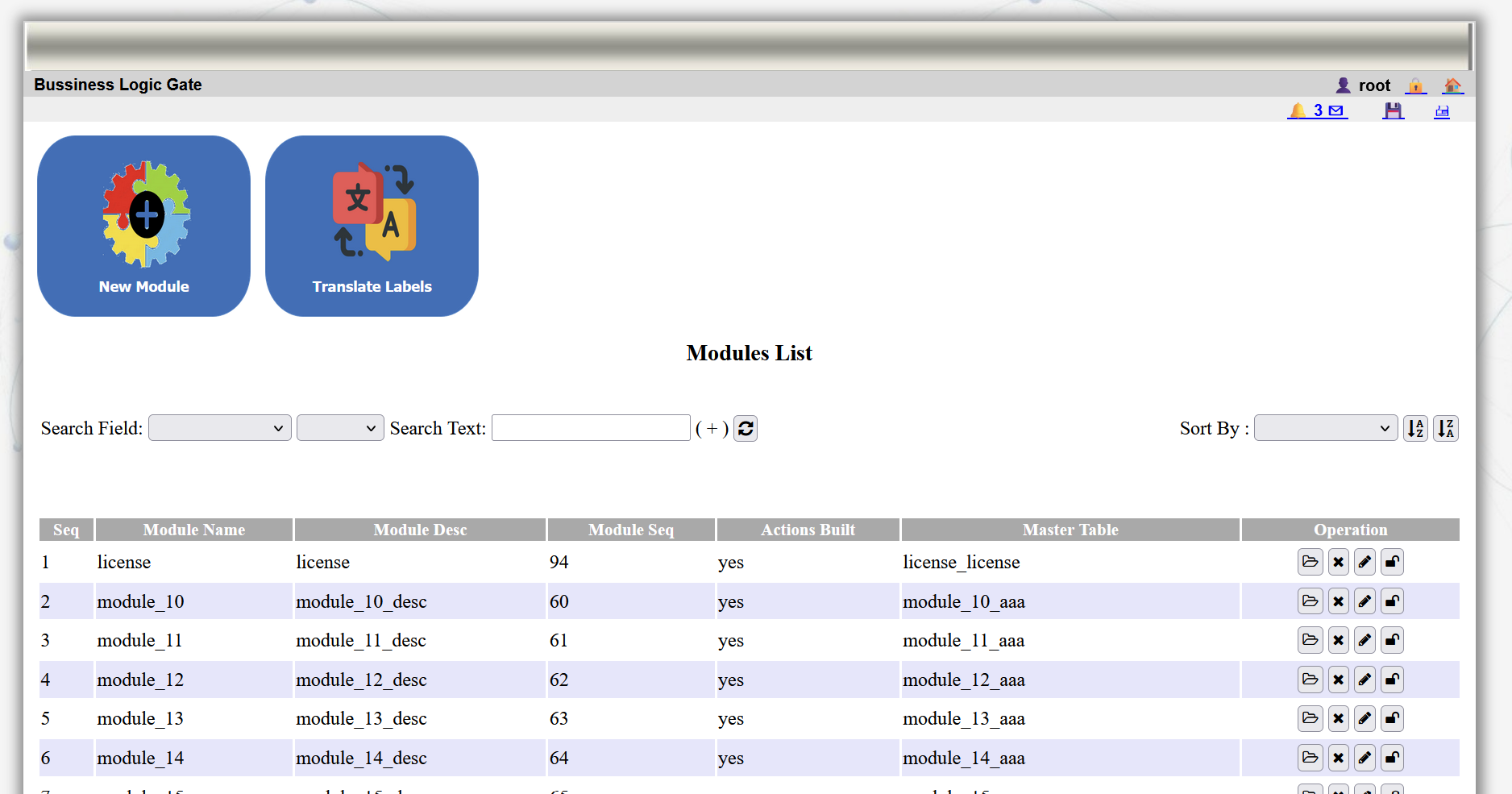
2: Buidling modules offers options for creating new modules, configuraing,viewing,updating all type of modules.
3 / 13
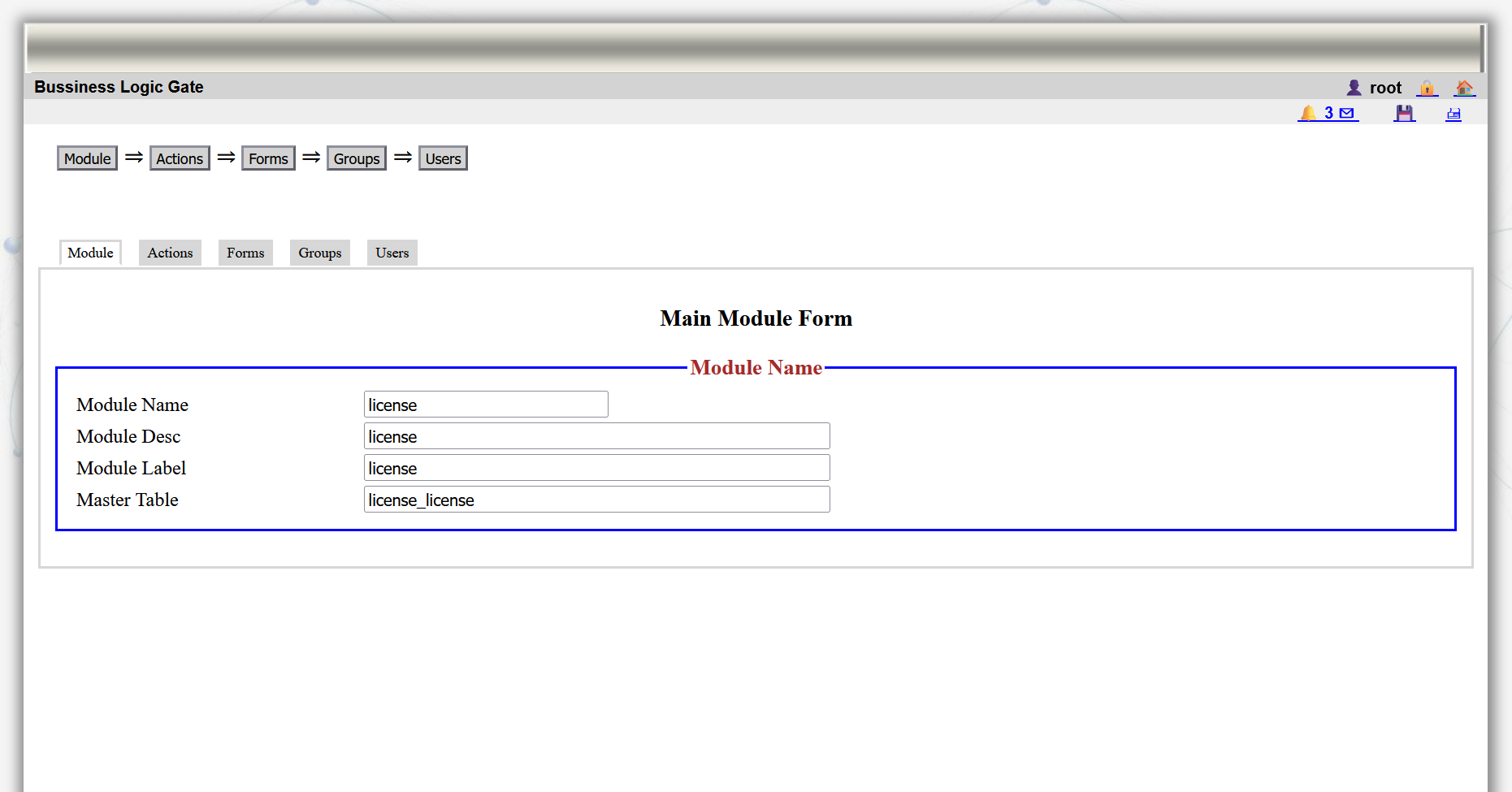
3: The module is built in sequential order, driven in a systematic,easy friendly way.
4 / 13
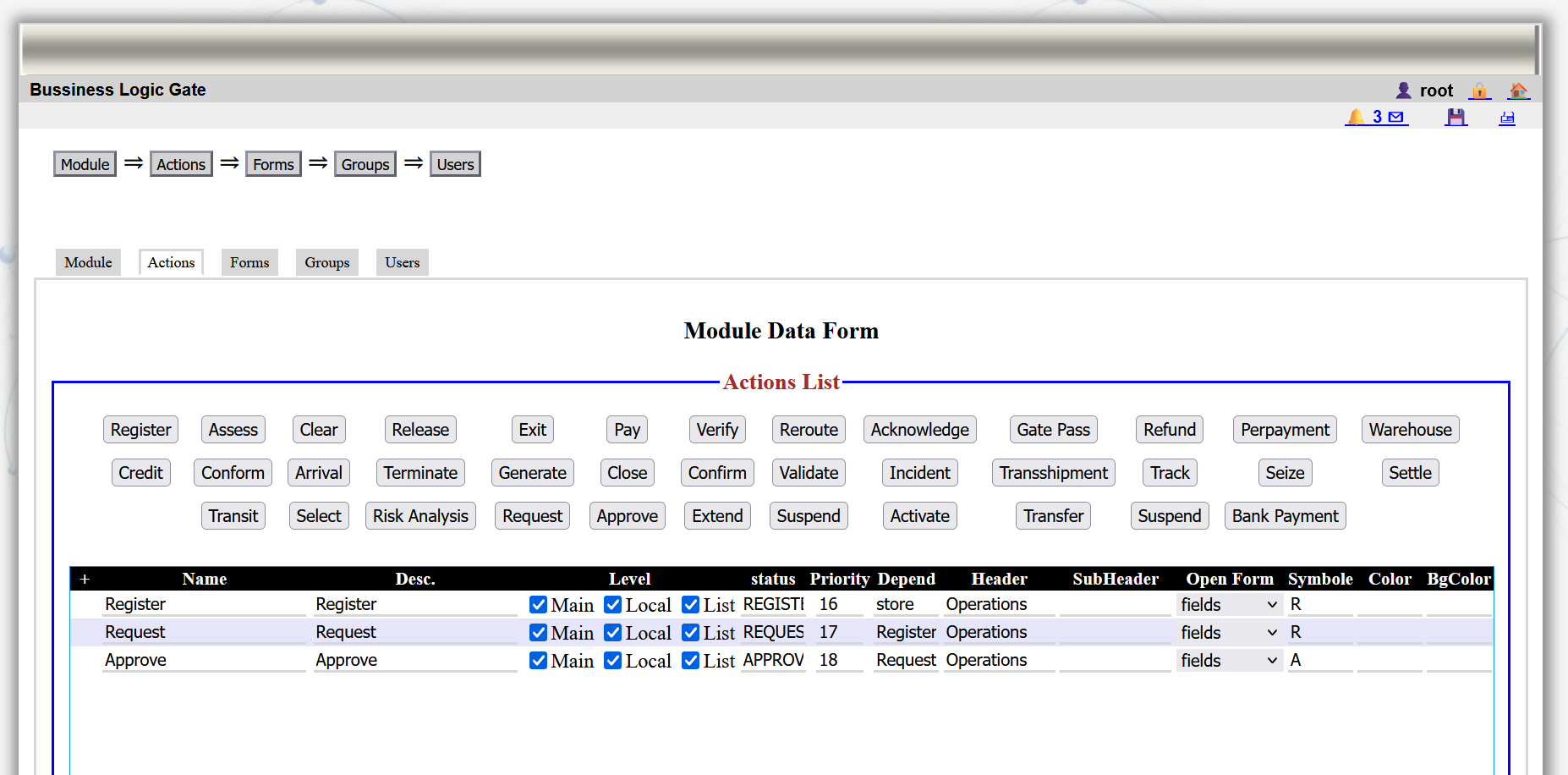
4: Actions and tasks are configured during the process of building the module
5 / 13
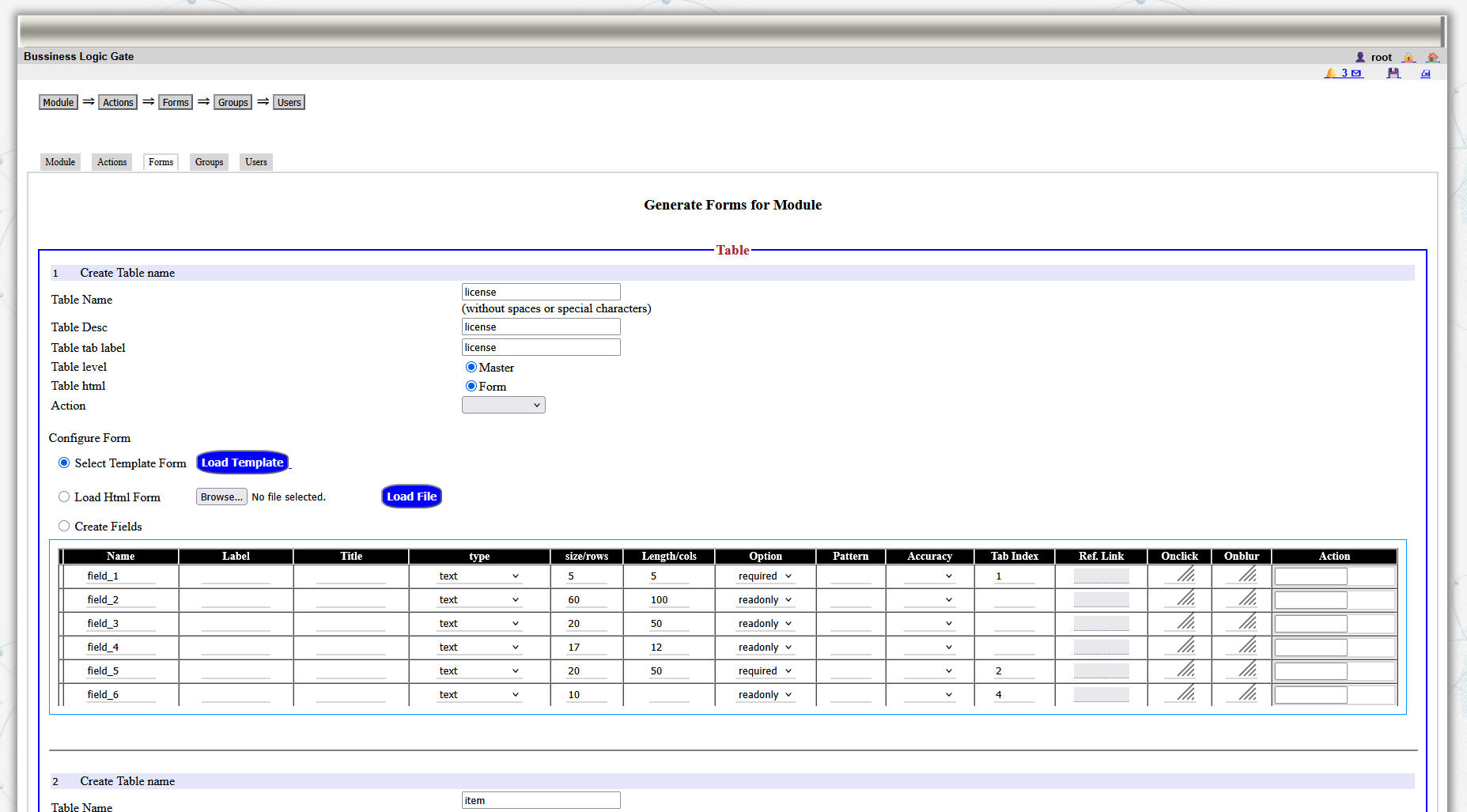
5: Forms and module pages are configured within the creation of module process.
6 / 13
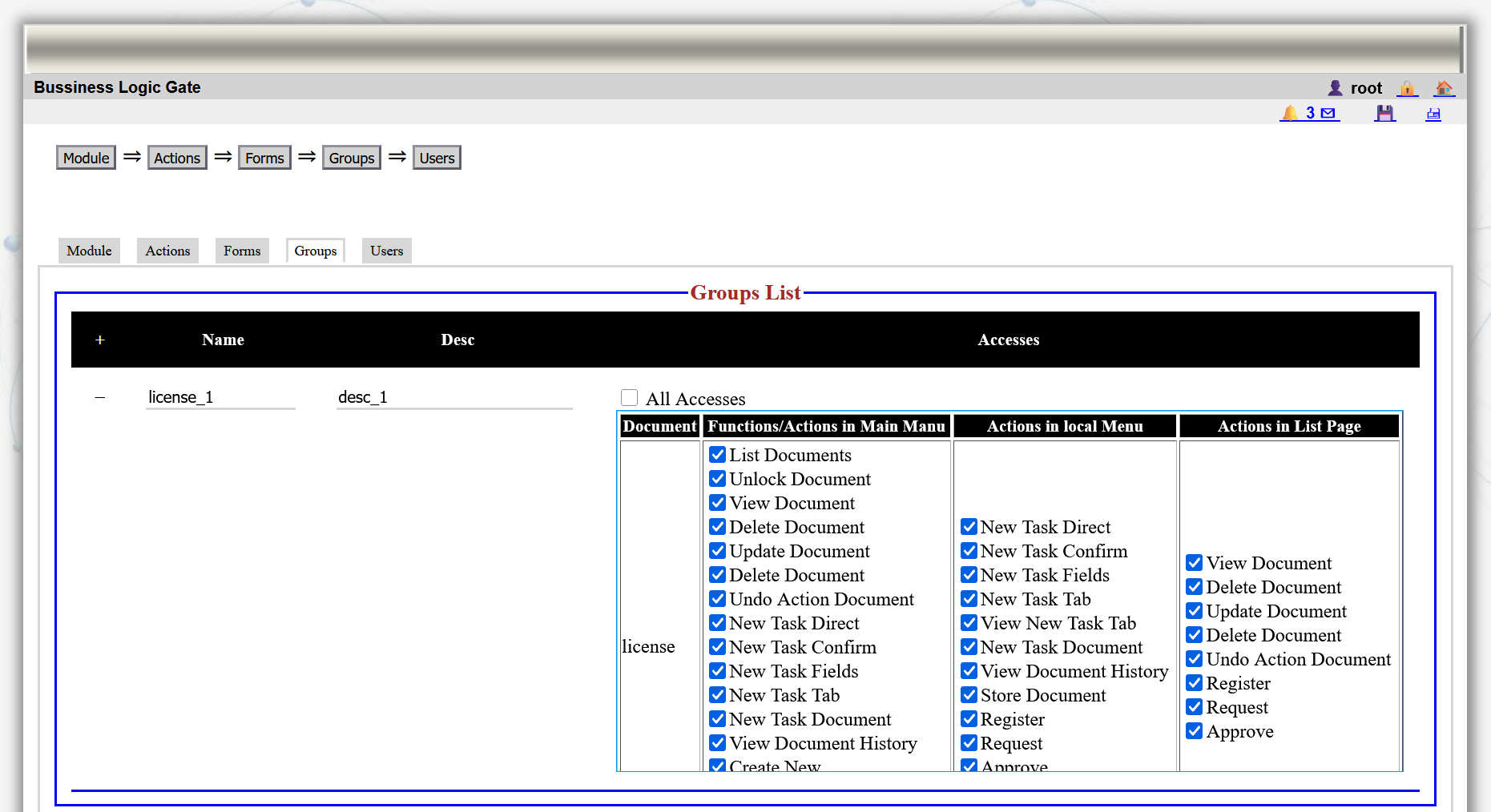
6: Teams and groups are created and assigned accesses on the diffrent options,actions and tasks.
7 / 13
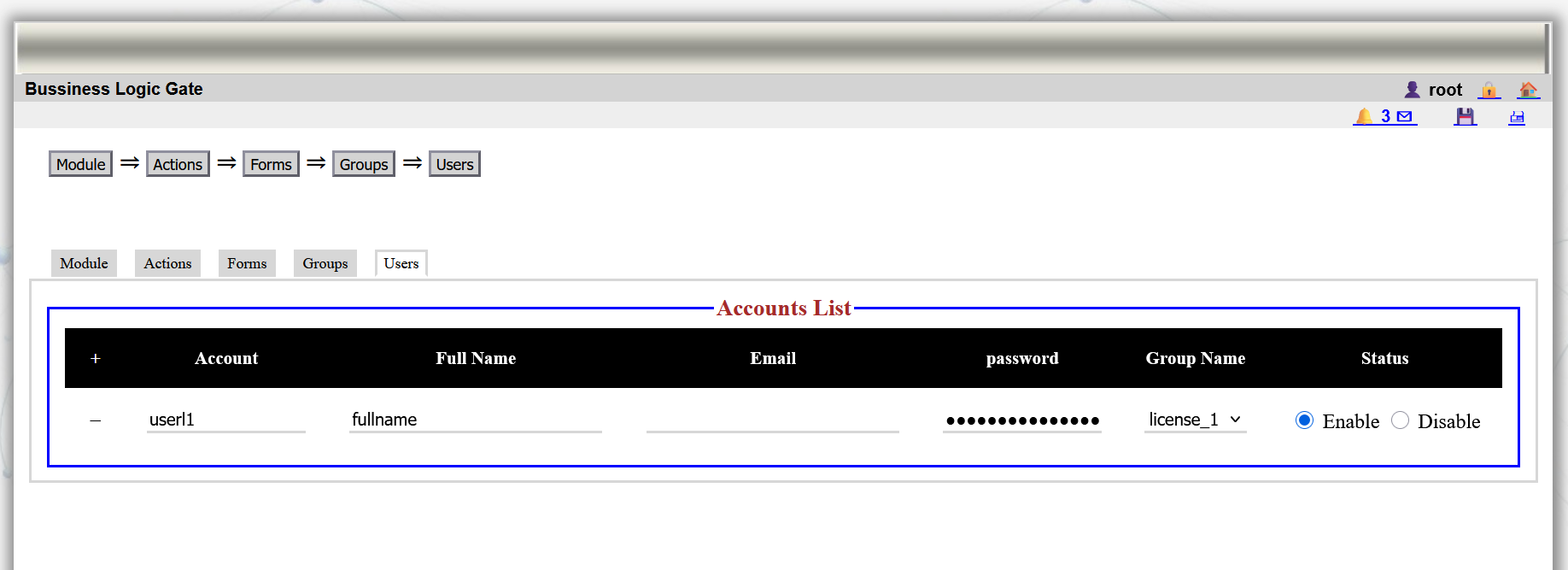
7: users are created and appended for each group according to their tasks.
8 / 13
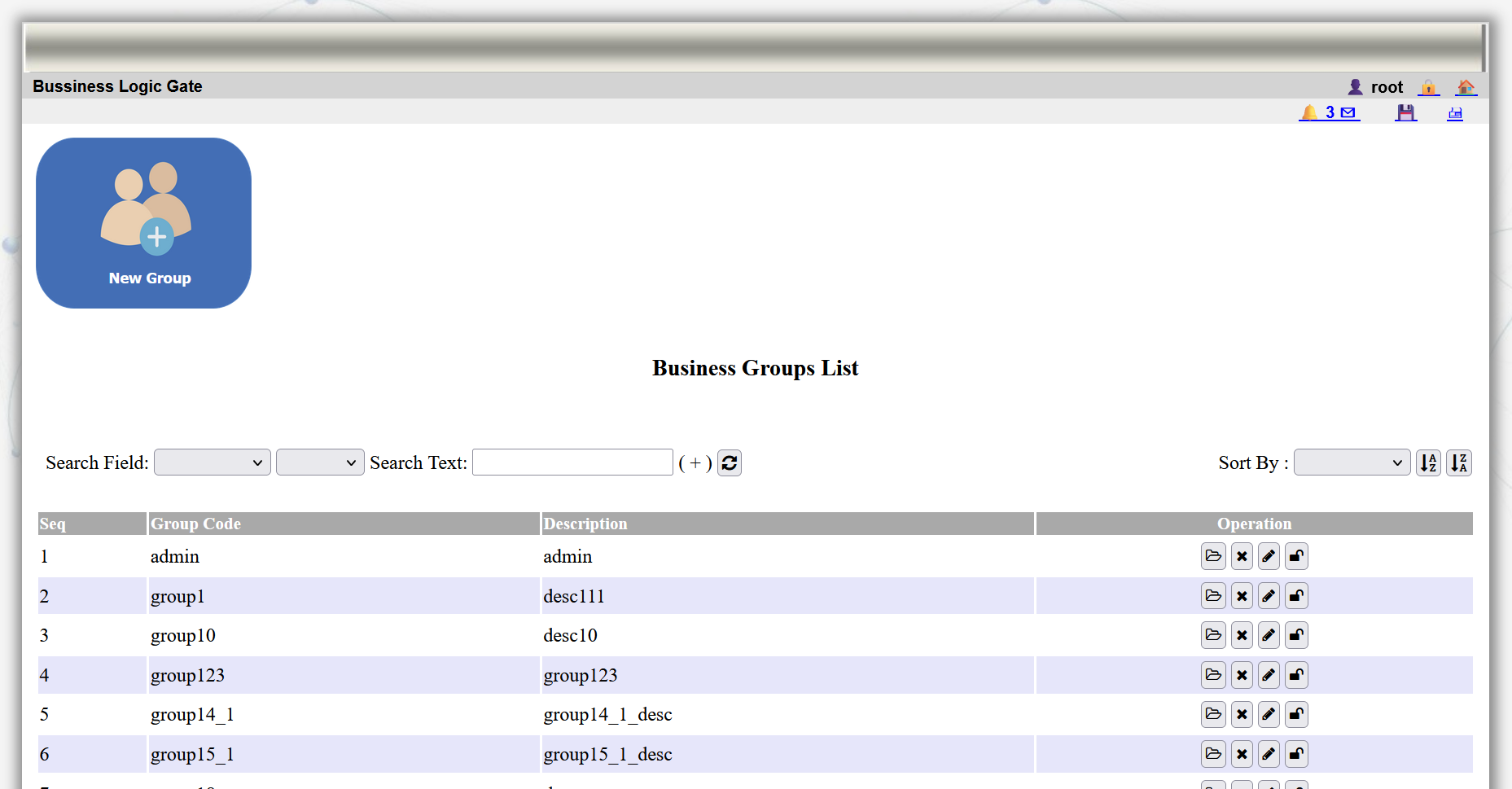
8: Further configuration can be done on the different groups using other options available from main menu.
9 / 13
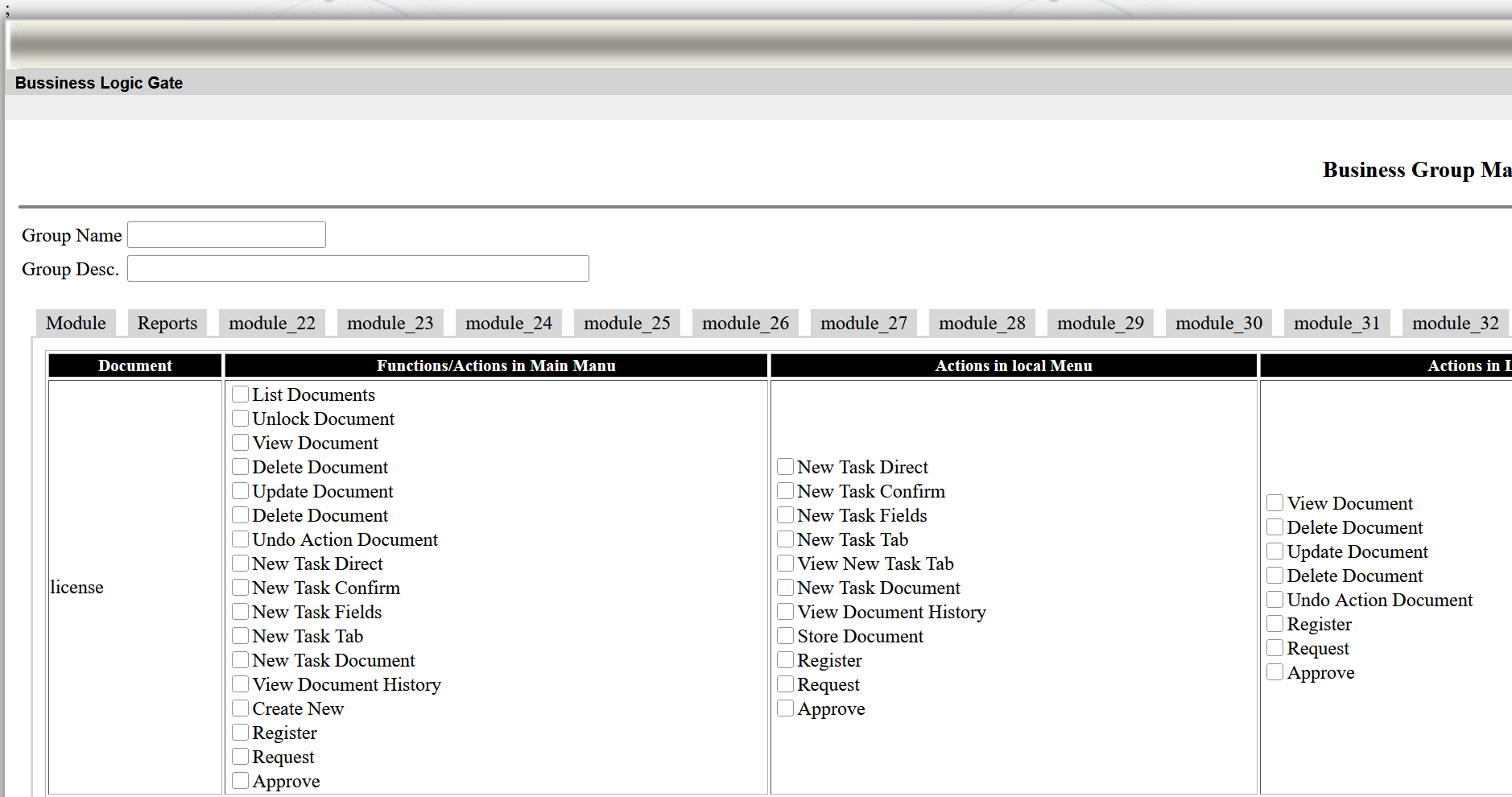
9: updating groups from main menu allows ato add other accesses from other different modules.
10 / 13
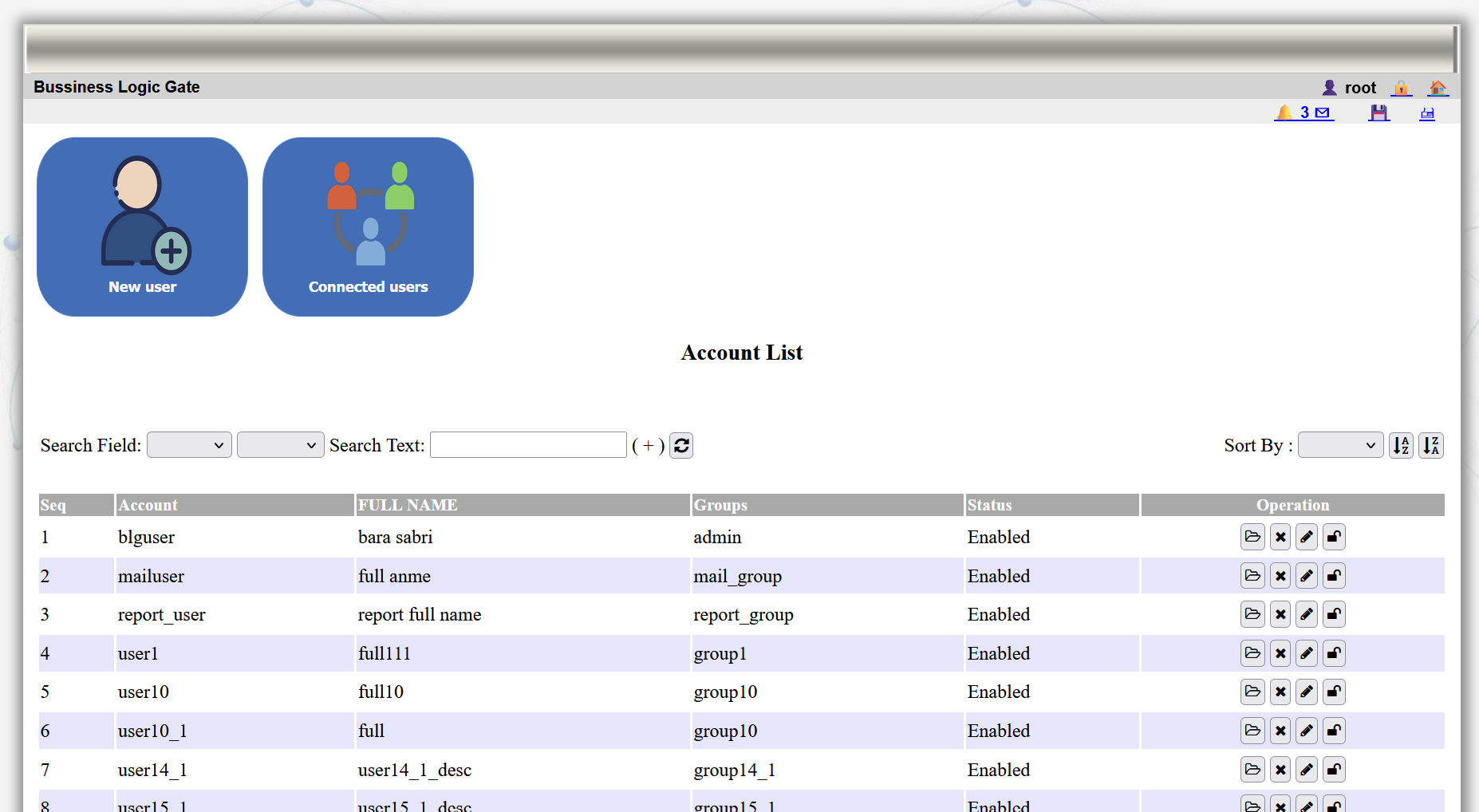
10: Users can be further updated from the main menu.
11 / 13
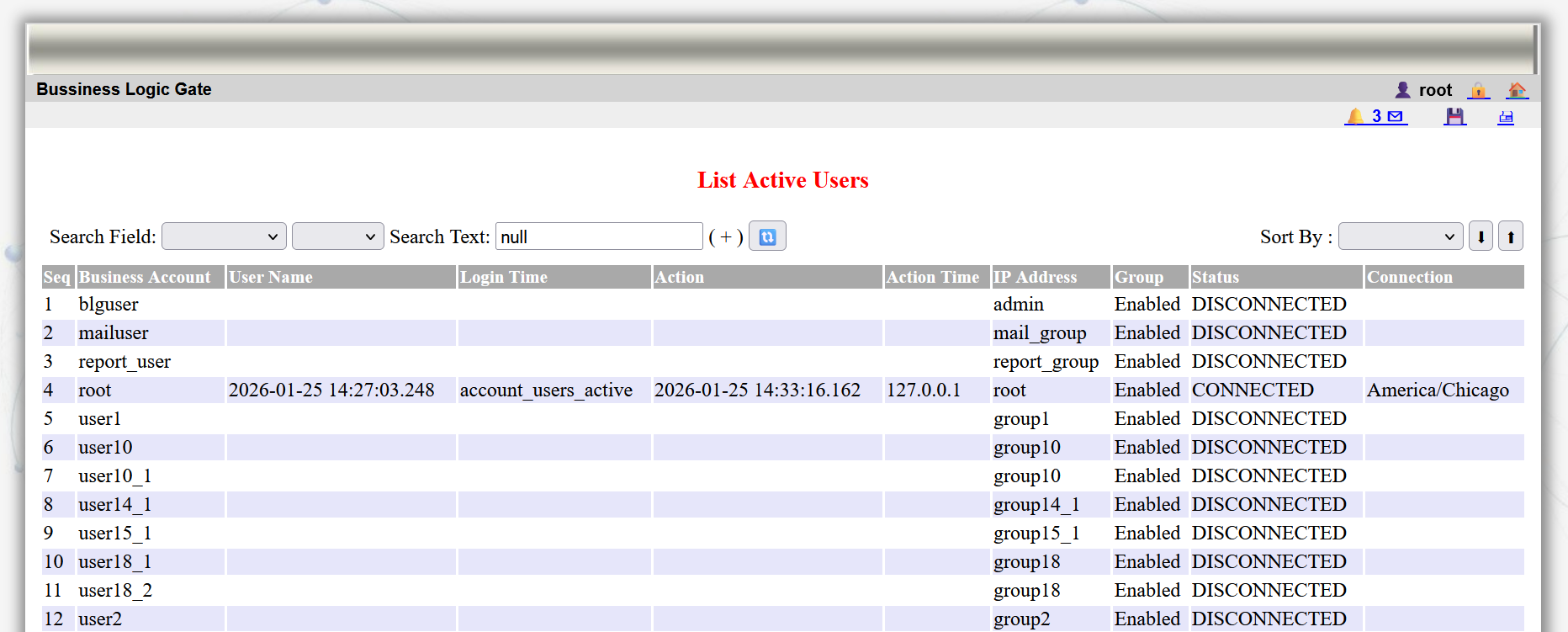
11: The system provide the management with option for monitoring and following active users working on the system
12 / 13
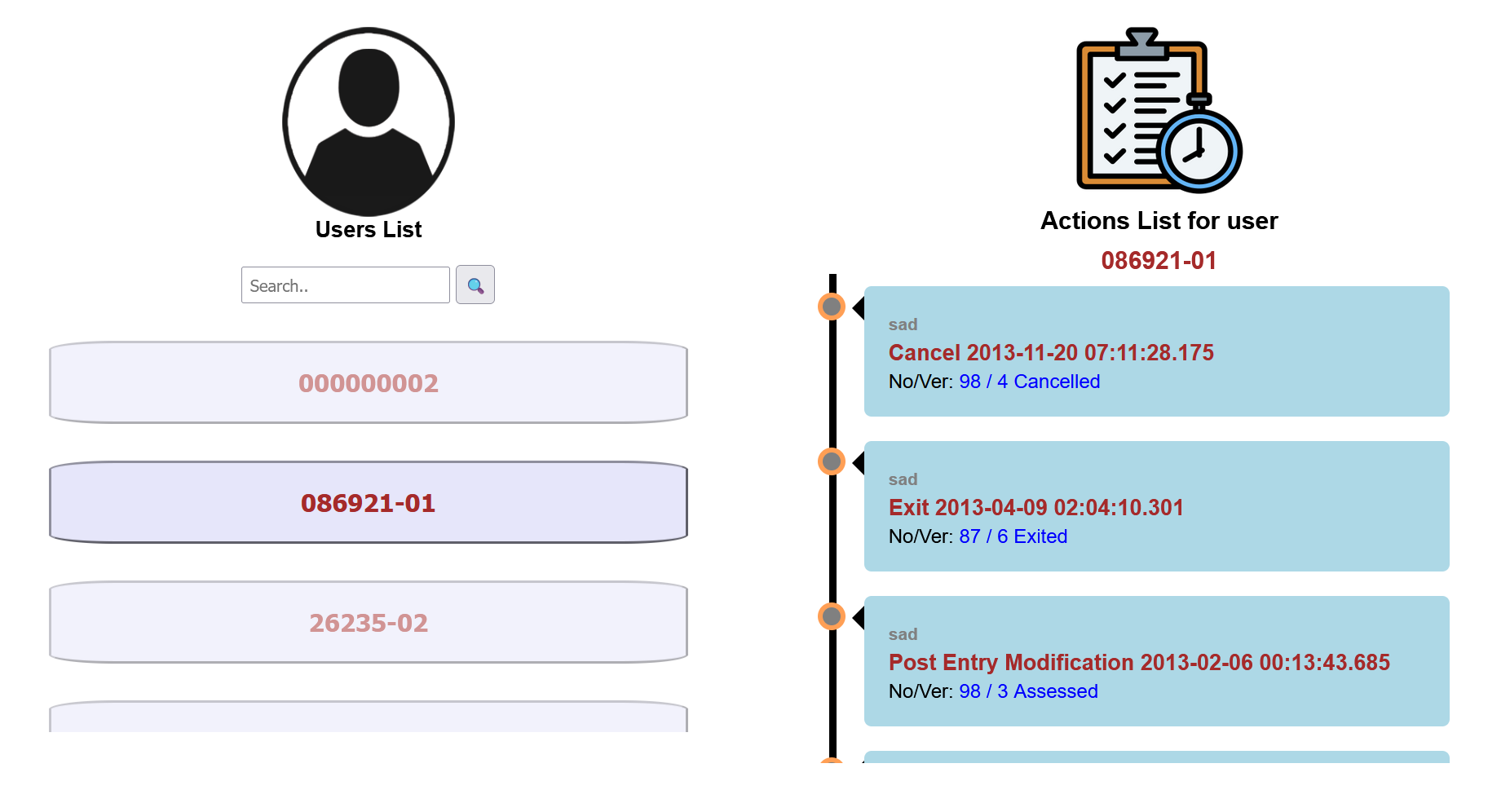
12: The system provide the management with tools to monitor the performance of users
13 / 13
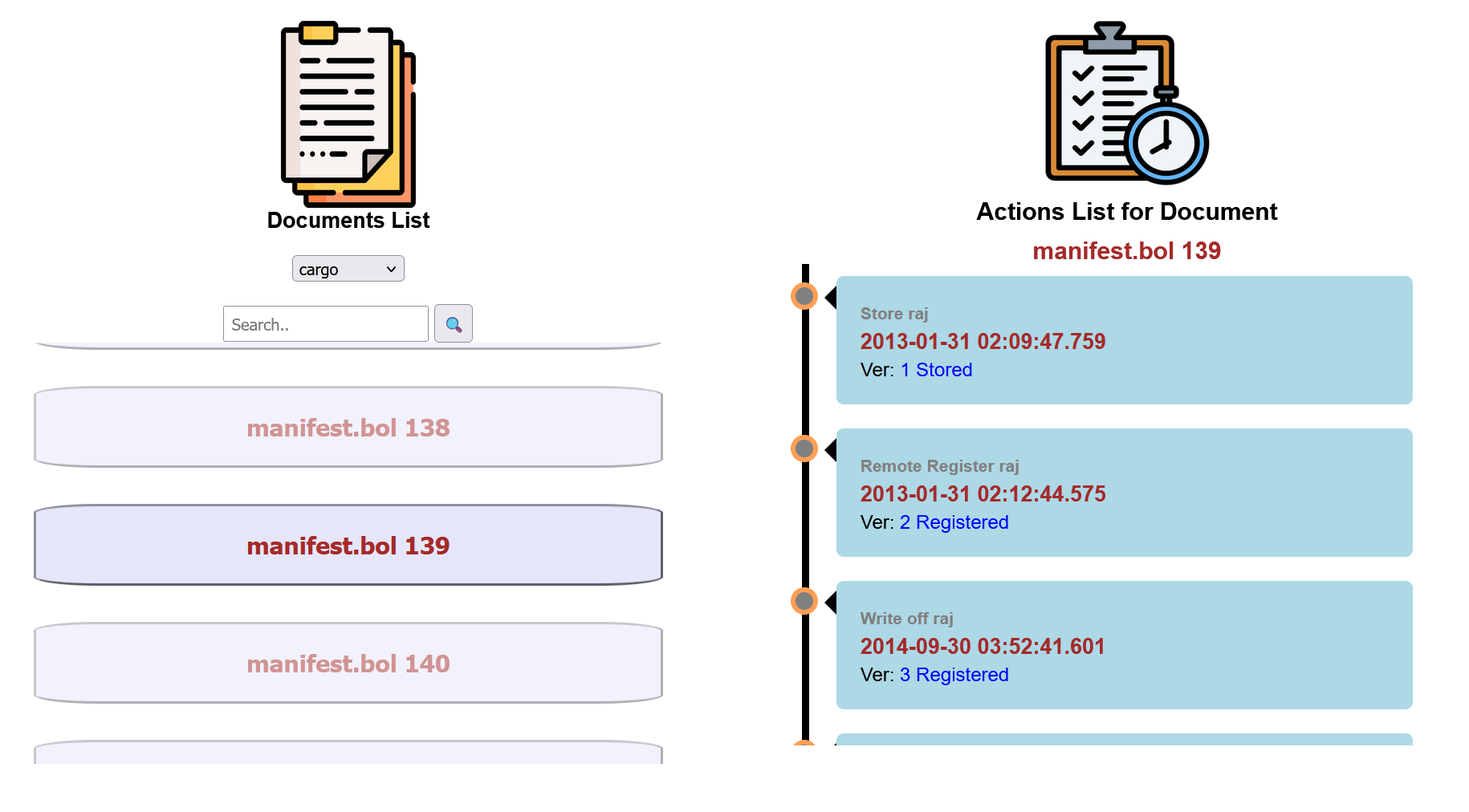
13: The system provide the management with utilities to monitor the progress of processing the documents.